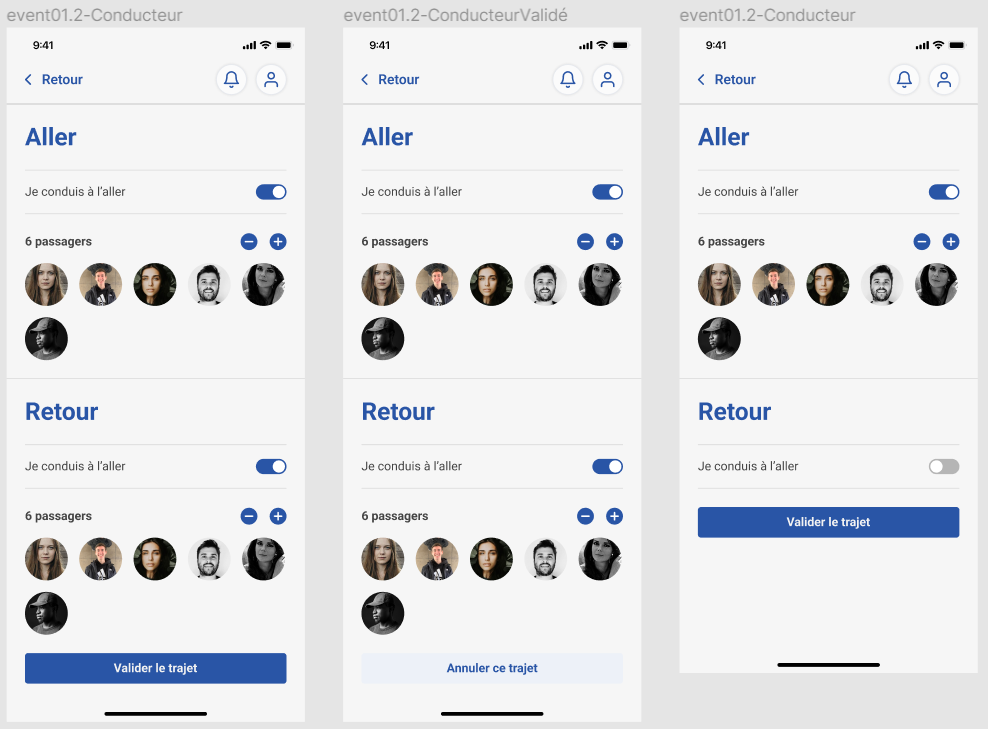
Events
On the app, users can see the events from the club that are available to join, select wether they will join as a driver or passenger, and see the drivers that are available to join and passengers that have already picked up a ride.
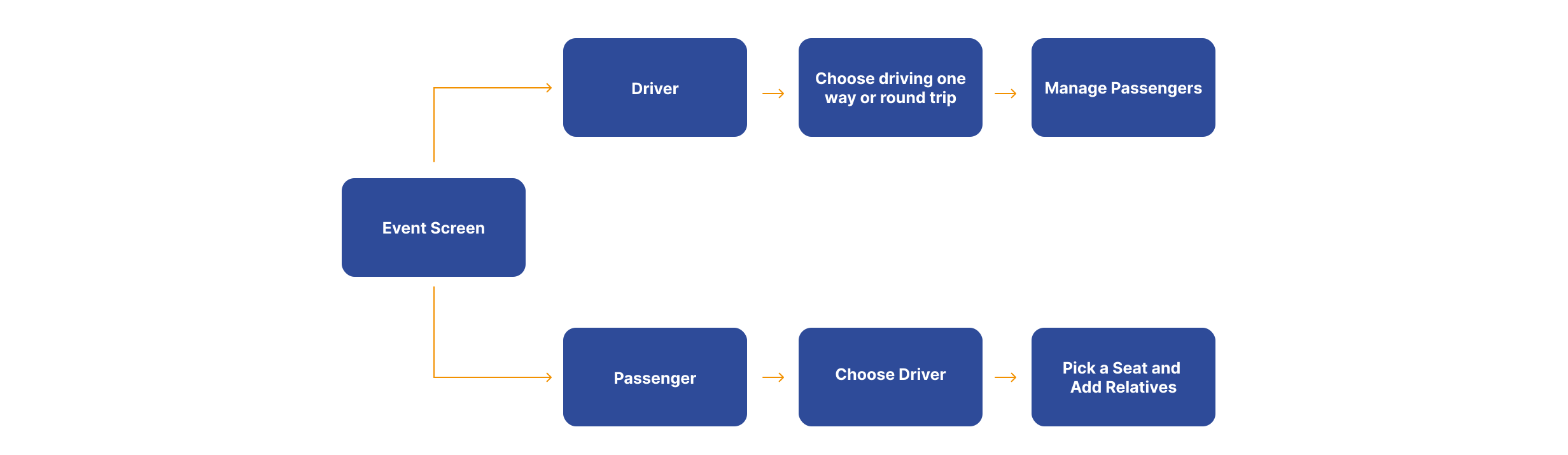
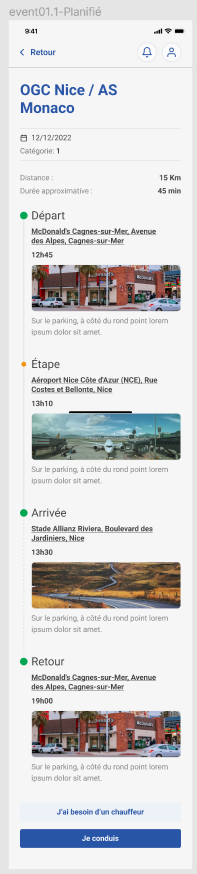
When they choose an event, they can will be able to see all the details of the the event and select whether they want to join as a driver or a passenger.
If they want to join as a passenger, they can see the list of drivers for that event and how many seats are available for each car.
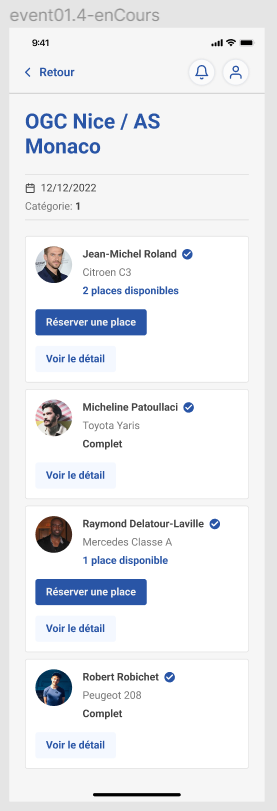
They can click on a driver to see its details and pick an available seat for that event. In addition, if the user is a parent, they can see their list of children and pick a seat for them.
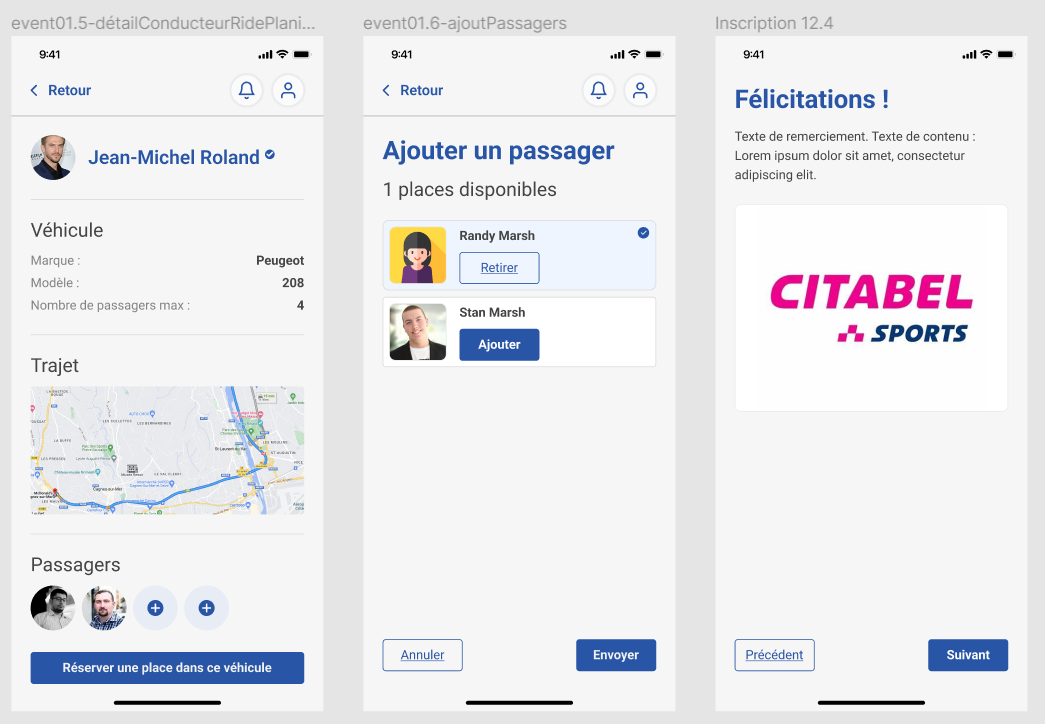
If the cars are full, the user can join the waitlist for that event. When a seat becomes available, COOLROOL will automatically pick a seat for the user and notify them via push notification.
If they join as a driver, they can see the details the passengers who have already picked up a ride, as well as if they want to drive only one way or round trip.