Clubs
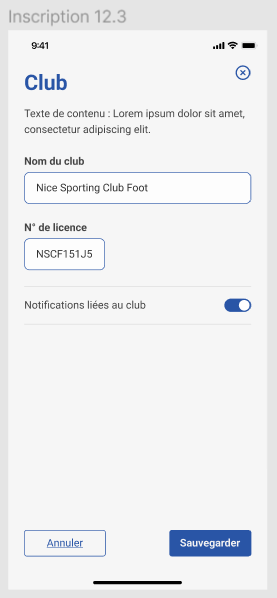
After the user has created their account, they will be asked to select their club. If the club has pre-registered members, the app will automatically link the user to their respective club and the info should be automatically filled, otherwise the user will be asked to fill in their club details.
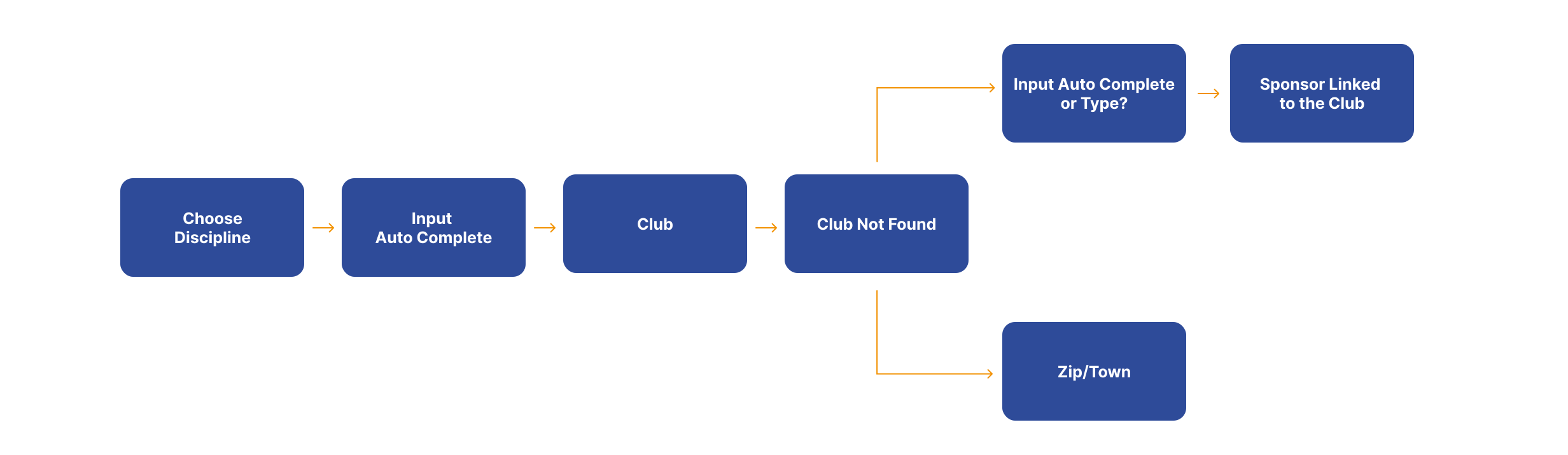
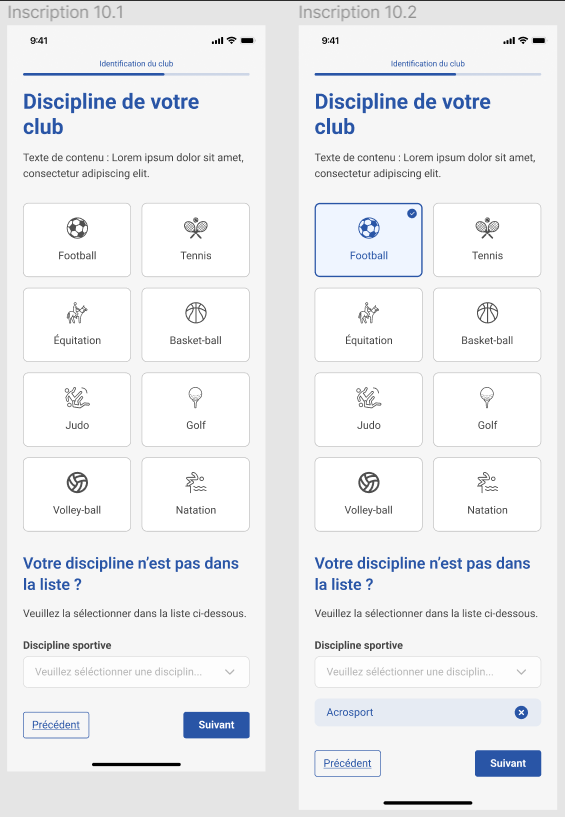
The following image shows the discipline selection screen on the app.
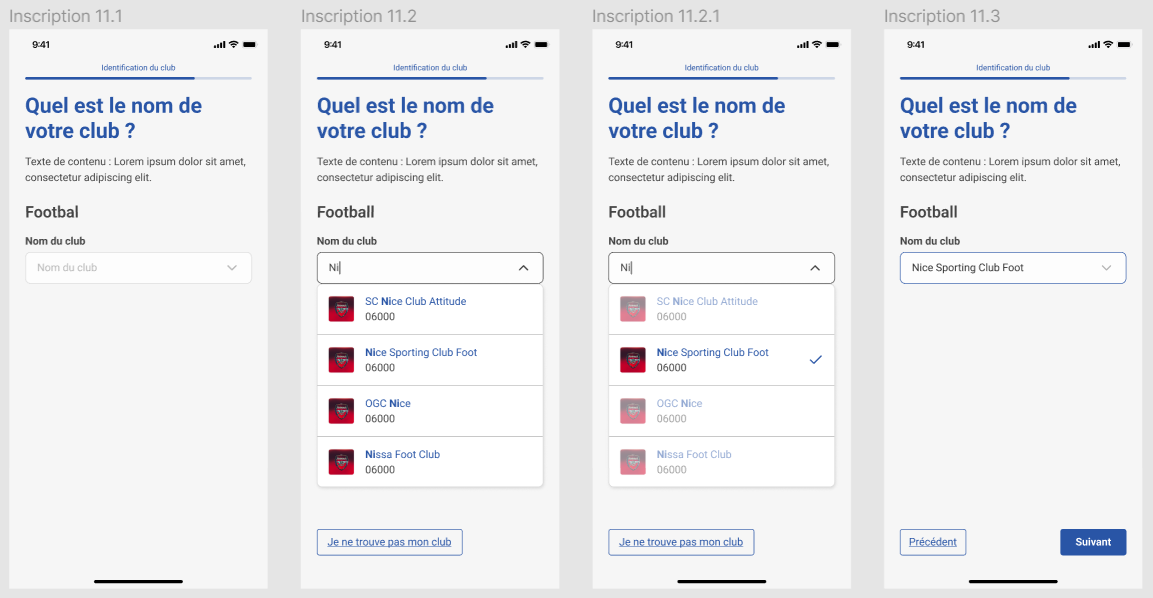
After selecting the discipline, the user will be asked to select their club.
Then the user will choose whether they want to receive notifications from the club or not.
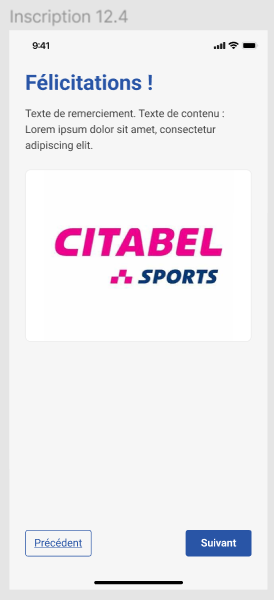
Finally, the user will receive a sponsor advertisement from the club.